Try 5 color directions on your live app in 2 minutes.
Your AI shipped the UI. ColorFlipper helps you finish the colors. Tweak them live, compare schemes side by side, and export the winner.
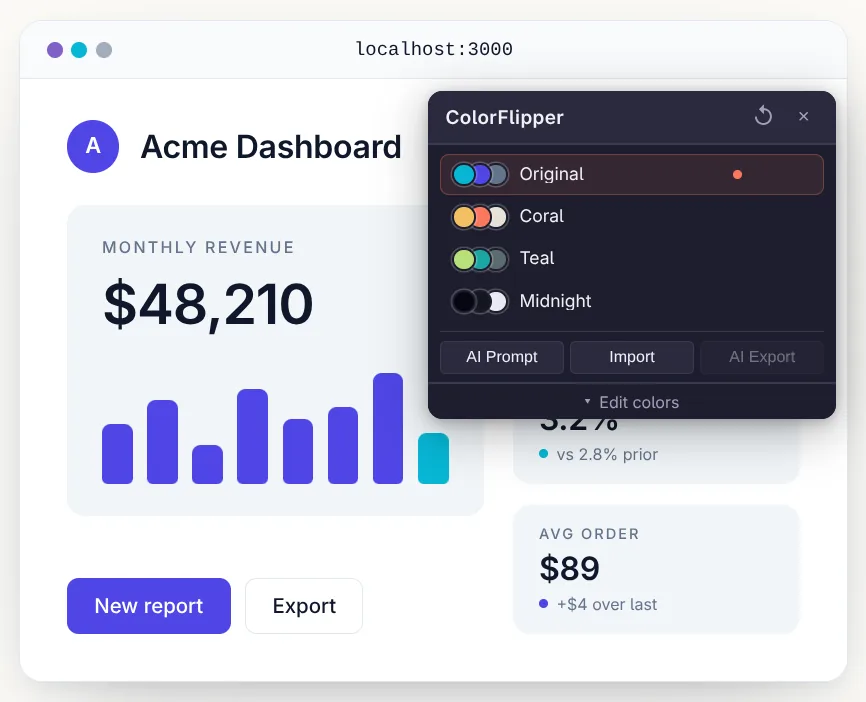
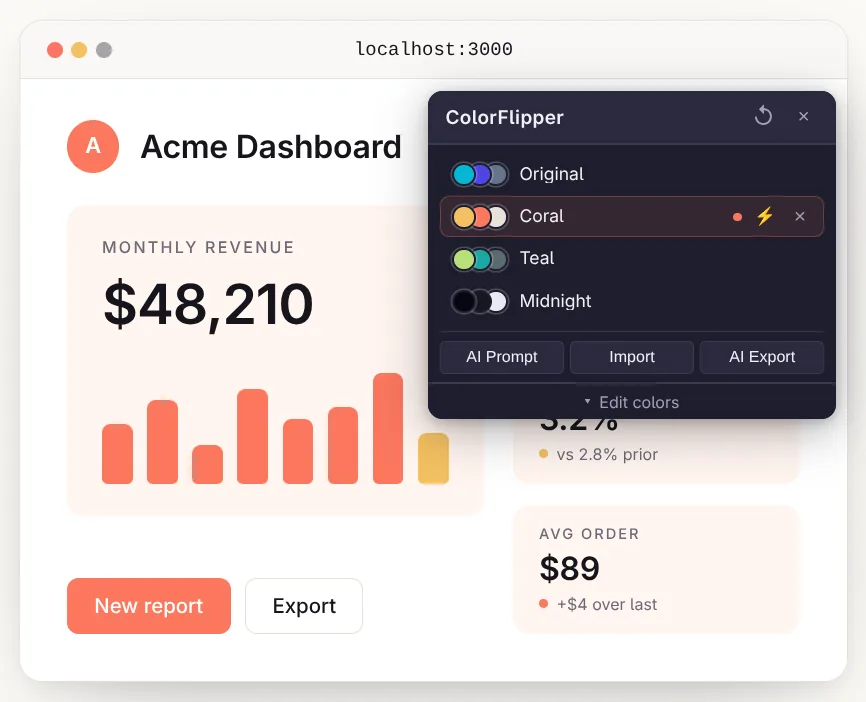
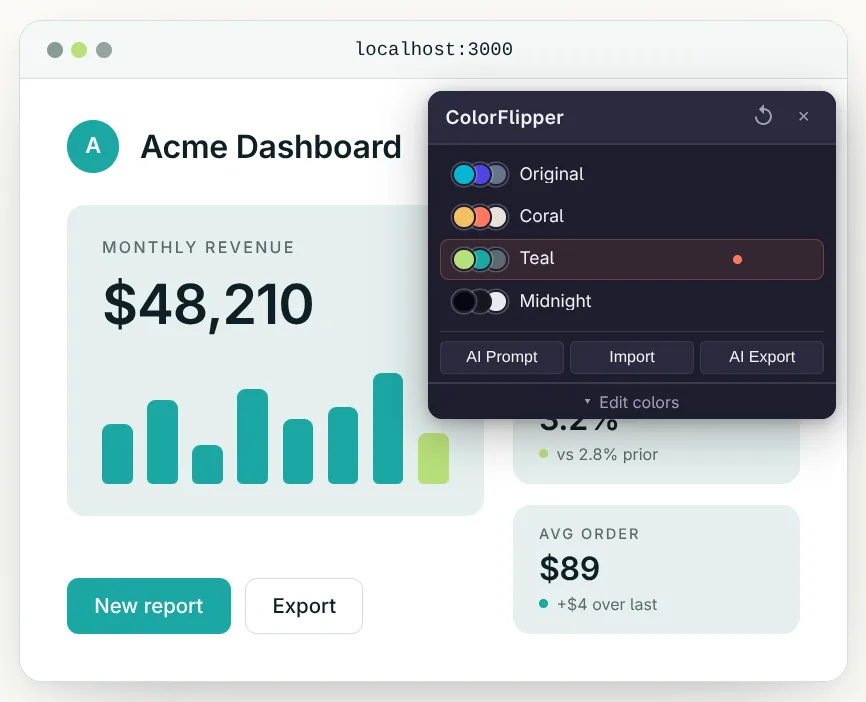
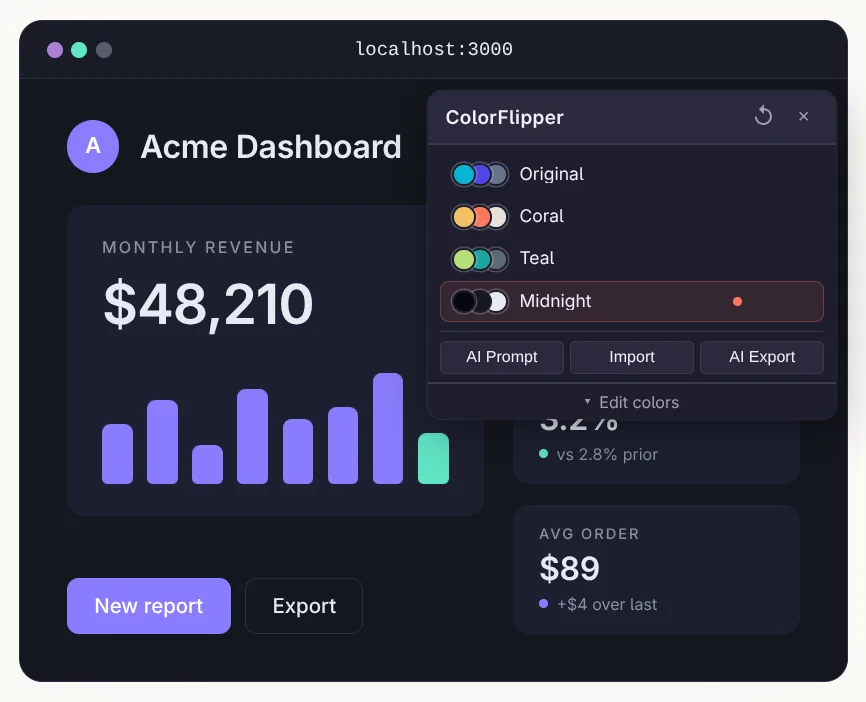
Why ColorFlipper
Choosing colors should be fast and visual. Today it's neither.
Save every direction you try
Tweak a color, snapshot it, try another. Flip back to anything you've explored. Refreshes don't erase your history.
Run on the UI you actually ship
A palette can look perfect in Figma and fall apart on the live page, where density, content, and real components tell a different story.
See alternatives in the same second
One color at a time tells you nothing. Flip between schemes on the same page and the right direction becomes obvious.
Built for developers polishing real apps. Not a design tool, not a palette generator.
How it works
Three steps from "what if the hero were warmer?" to a winner you can ship.
- 1
Activate on any page
Click the toolbar icon on your localhost, your Lovable preview, your Vercel deploy. The panel detects every color used on the page, both CSS variables and computed styles.
- 2
Edit colors live
Native color picker per detected color, or paste in AI-generated variants. Changes apply instantly via inline overrides. No reload, no rebuild, no code touched.
- 3
Save & compare schemes
Snapshot the current set as a named scheme. Flip between schemes to compare, or run flicker mode to rapid-toggle two of them so the differences pop.
Prompt-and-paste, no API keys
Your AI generates the colors and writes them back.
Two clipboard hops, no API keys. Get variants from your current palette, then push the winning diff back into your codebase. Pick your AI: Lovable, Bolt, v0, Cursor, Claude, or ChatGPT.
Install
One click from the Chrome Web Store. Works wherever your app lives: localhost, your Lovable preview, your production deploy.
Available soon on the Chrome Web Store. Want early access? Email hello@colorflipper.com.
Runs locally in your browser. No data leaves your machine. Privacy.